Learn to edit videos
by editing them.
Interactive video editing lessons in a real editor, right in your browser.
- Cuts and trims
- Hooks
- Editing to music
- Colour
- Effects
Try it now: drag the playhead, add an effect, press play.
My first edit· 9:16 · 25 fps
00:00.00 / 00:11.96
0:000:020:040:060:080:10
Text - LEARNText - TO EDITText - byText - DOING ITText - MAKEText - ITText - HIT
dunk_01.mp4dunk_02.mp4dunk_03.mp4dunk_04.mp4dunk_05.mp4dunk_06.mp4
beat.mp3
slamslam
Try it: Drag the playhead along the timeline.
Your roadmap
Start free with the basics and motion, then go further. Pick a stage to see its lessons.
Not a video course. You edit.
You can watch a hundred tutorials and still freeze in front of a timeline. Here the timeline is the lesson.
- You do every step.Drag, trim, cut and time real clips. There's nothing to watch and everything to do.
- Marked as you go.Each step tells you at once if it works, and how many frames out it is if it doesn't.
- Works like your editor.The same timeline, playhead and clips as CapCut, Premiere Pro and DaVinci Resolve, so it carries over.
Lesson 1 · Your first cut
Edits you'll learn to make
Every one is made from the same few moves you practise in the lessons.
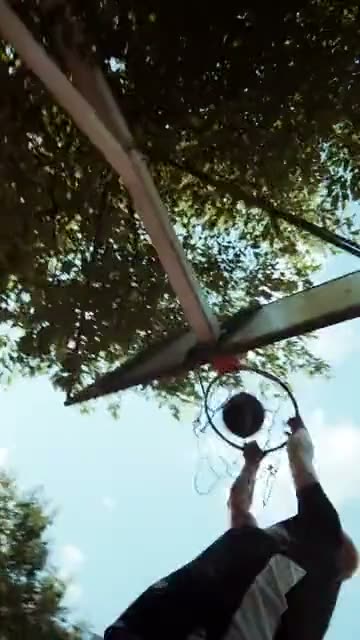 A hook that stops the scrollMake the first second stop people scrolling.
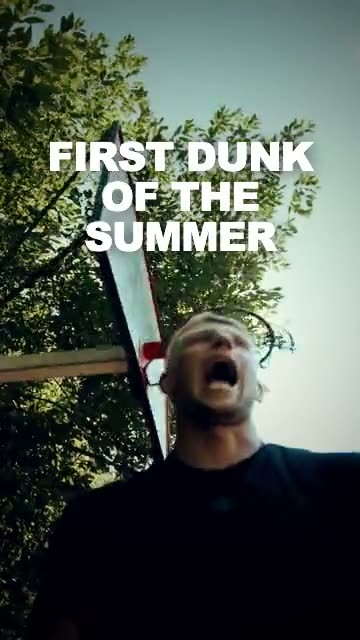 The dunk: a full editMore clips than you need, one feeling: impressed. A finished edit at the end.
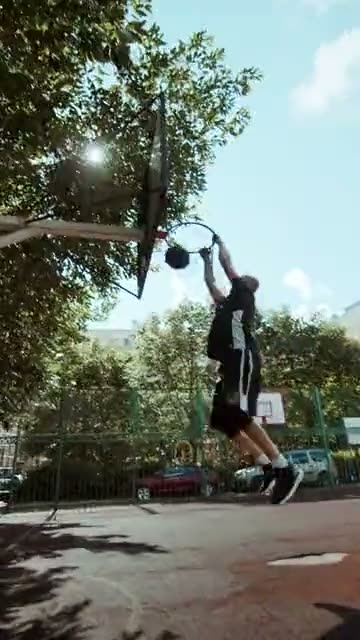 Cut on the beatLine your cuts up with the music.
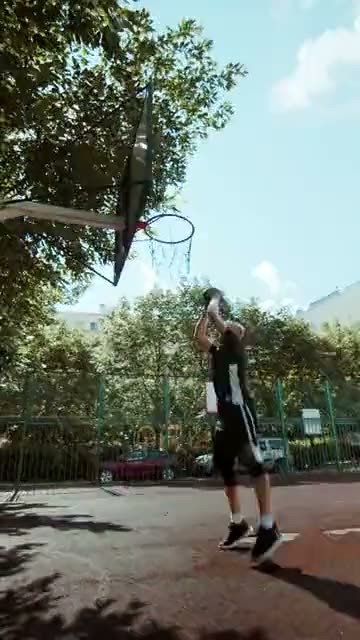 Cut on the actionCut between two angles so it looks like one move.
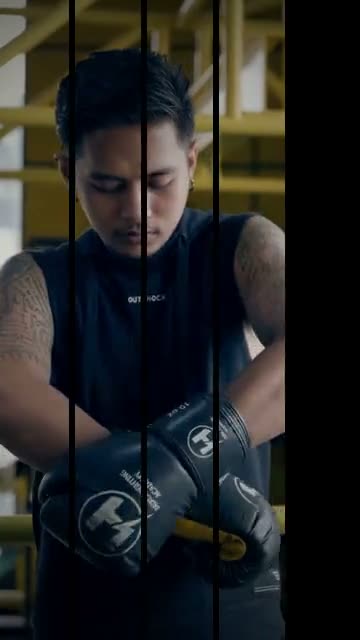 Masking effectStrips of video that appear on the beat.
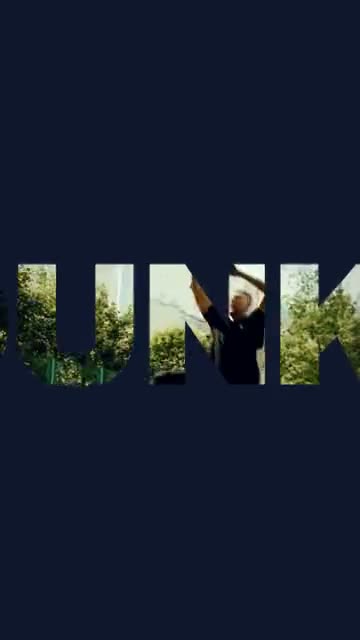 See-through titleVideo that shows through big letters.
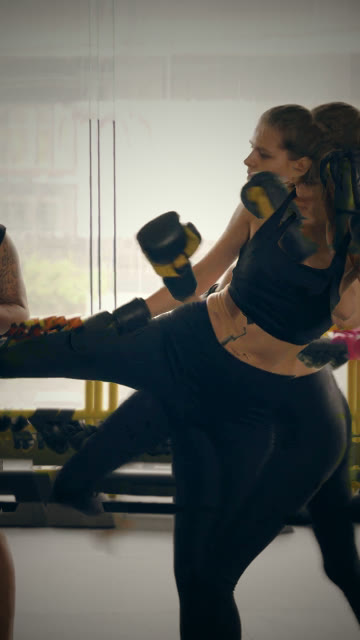 Speed rampSlow down the big moment, then speed up.
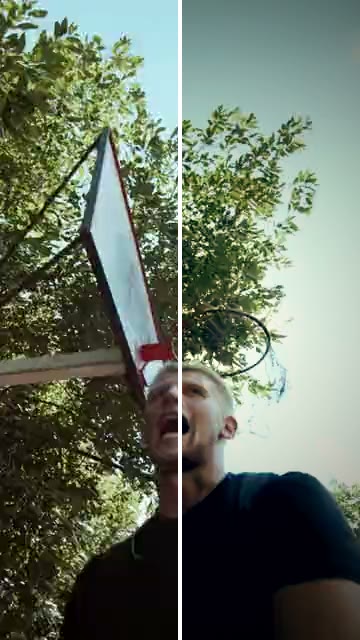 The cinematic lookGrade a clip so it looks like a film.
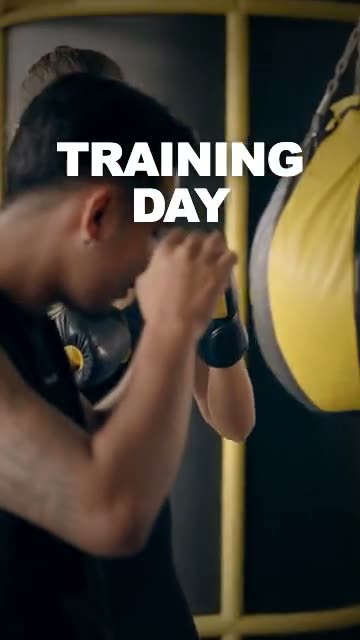 Training day: a full editMore clips than you need, one feeling: driven. A finished edit at the end.